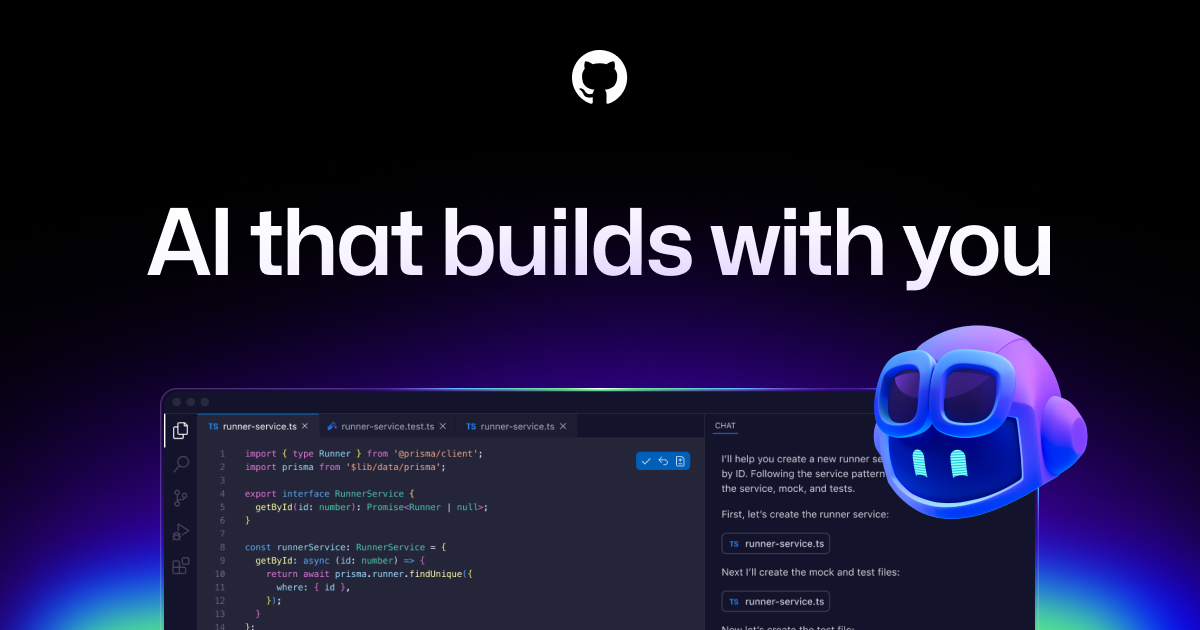

GitHub Copilot
✓ VerifiedAI pair programmer for code suggestions
Visit GitHub Copilot
github.com/features/copilotAbout GitHub Copilot
AI pair programmer from GitHub and OpenAI that suggests code and entire functions. Copilot integrates with VS Code, JetBrains, and other IDEs to accelerate coding with context-aware suggestions.
Does ChatGPT recommend your AI tool?
If you're building in Coding & Development, run a free AI-visibility scan on your own product — we ask ChatGPT across 5 prompt angles and score how often you get named. ~30 seconds, no signup, no card.
Key Features
GitHub Copilot Pros & Cons
✅ Pros
- +Deep GitHub integration for repo context
- +Available in every major IDE
- +Enterprise security scanning built-in
- +Code Review agent automates PR reviews
- +CLI assistance for terminal power users
⚠️ Cons
- −More expensive than alternatives like Windsurf
- −Cursor typically outperforms on complex tasks
- −Suggestions can be repetitive on boilerplate code
- −Context window smaller than Cursor for large repos
Who Is GitHub Copilot Best For?
GitHub Copilot Use Cases
💡Autocomplete & Code Suggestions
Developers receive inline code completions as they type — Copilot predicts the next line, next block, or entire function based on context from the current file and open tabs. Studies show 55% faster task completion for common development workflows.
💡PR Code Review Automation
Teams use GitHub Copilot's code review feature to get AI comments on every pull request — catching bugs, suggesting improvements, and enforcing coding standards before human reviewers see the code. Reduces review cycles and catches 30-40% of issues automatically.
💡Documentation Generation
Engineers use Copilot to generate docstrings, README files, and inline comments from existing code. With a single slash command, entire modules get documented with accurate parameter descriptions, return values, and usage examples.
💡Test Generation
QA teams use Copilot to generate unit tests for existing functions with a single `/tests` command. Copilot generates tests that cover happy paths, edge cases, and error conditions, significantly increasing test coverage without manual test-writing effort.
💡CLI Task Automation
DevOps engineers use Copilot in the terminal to generate shell commands, write GitHub Actions workflows, and automate deployment scripts from natural language descriptions. Copilot CLI translates 'find all files modified in the last 7 days' into the exact shell command.
Tags
Is GitHub Copilot your tool?
This is the page buyers and AI assistants read when they look up GitHub Copilot. Claim your listing for $19 one-time — no subscription, nothing to cancel — and take a capped slot in your category: each one sells a fixed number, and yours ranks above every free tool in it, with a Featured badge. Prefer it ongoing? Monthly is one click away on the next page.
Complete Your Development Stack
Other development tools in our catalog:
1Password
Try FreeSecrets and credential manager
Keep API keys and .env secrets out of your repo
Gamma
Try FreeAI presentation builder
Turn ideas into polished decks instantly
Consensus
Try FreeAI search across 200M research papers
Source real evidence behind your analysis
💰 Affiliate disclosure: We may earn a commission if you sign up through these links at no extra cost to you.
Stay updated on Coding & Development tools — join our weekly newsletter
One concise email with fresh launches, trending picks, and featured standouts.
Alternatives to GitHub Copilot
View all GitHub Copilot alternatives →More Coding & Development tools
Aria Icons
Write-as-source icon CLI + MCP with 1M+ SVGs for React/web apps.
8080.ai
8080.ai helps founders and teams plan, design, build, test and deploy software with AI agents and human review.
UI Verify
Visual testing for coding agents.
Gitingest
Turn any Git repository into a prompt-friendly text digest, with include/exclude patterns and size limits
GitLab Duo
AI features across GitLab DevOps platform
GitLoom
One quiet daily digest of stuck, approved-but-unmerged and failing PRs to Slack, email or Telegram
Developer & Agent Access
How AI agents and developers can connect to GitHub Copilot. Verified 2026-06-21.