
Pieces for Developers
✓ VerifiedAI developer memory tool that captures, enriches, and makes searchable your code snippets, clipboard history, and workflow context — runs locally
Visit Pieces for Developers
pieces.appAbout Pieces for Developers
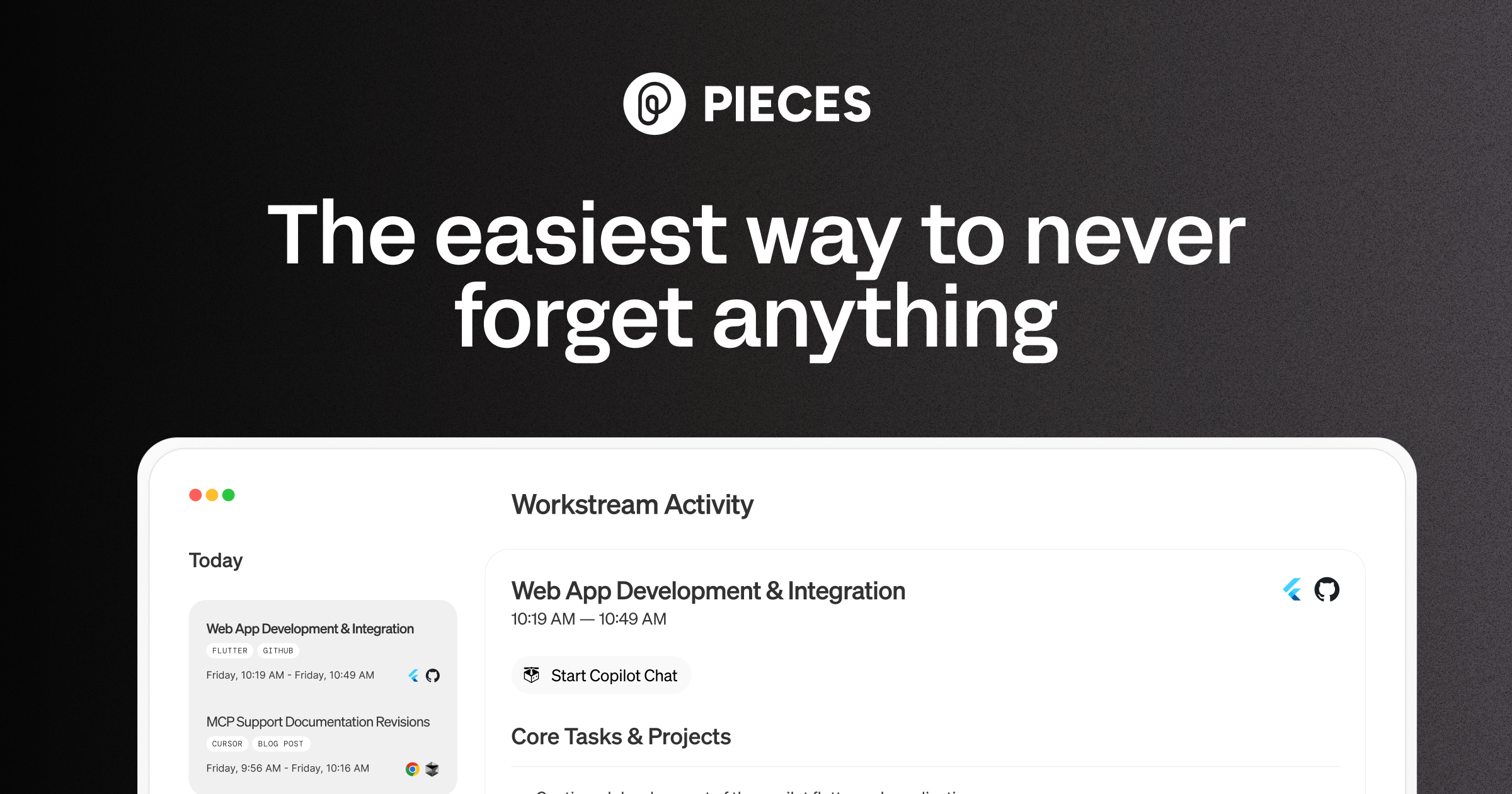
Pieces for Developers is an AI-powered productivity platform for software developers that focuses on capturing, organizing, and contextualizing code snippets, workflow history, and development context. Unlike traditional snippet managers or code completion tools, Pieces acts as a persistent 'developer memory' — it captures code from any app (browser, IDE, meetings, documents), enriches it with AI-generated metadata (language detection, title, tags, description, usage examples), and makes it searchable and reusable across workflows. The flagship feature is Pieces Copilot, an AI assistant that has access to your full saved snippet library, your clipboard history, and even recent activity to answer context-aware questions. Pieces runs completely locally with offline support, ensuring your proprietary snippets never leave your machine. It integrates with VS Code, JetBrains IDEs, Chrome, Edge, Obsidian, and more.
Does ChatGPT recommend your AI tool?
If you're building in Coding & Development, run a free AI-visibility scan on your own product — we ask ChatGPT across 5 prompt angles and score how often you get named. ~30 seconds, no signup, no card.
Key Features
Pieces for Developers Pros & Cons
✅ Pros
- +Unique persistent developer memory — nothing else captures full workflow context
- +Runs entirely locally for maximum privacy on sensitive code
- +Auto-enrichment saves hours of manually tagging and describing snippets
- +Cross-app capture means it works wherever you encounter code
⚠️ Cons
- −Steep learning curve to get full value from the workflow
- −Desktop app feels heavy compared to lightweight snippet tools
- −Team collaboration features require additional pricing
- −Less known than major competitors — smaller ecosystem and community
Who Is Pieces for Developers Best For?
Tags
Is Pieces for Developers your tool?
This is the page buyers and AI assistants read when they look up Pieces for Developers. Claim your listing for $19 one-time — no subscription, nothing to cancel — and take a capped slot in your category: each one sells a fixed number, and yours ranks above every free tool in it, with a Featured badge. Prefer it ongoing? Monthly is one click away on the next page.
Complete Your Development Stack
Other development tools in our catalog:
1Password
Try FreeSecrets and credential manager
Keep API keys and .env secrets out of your repo
Gamma
Try FreeAI presentation builder
Turn ideas into polished decks instantly
Consensus
Try FreeAI search across 200M research papers
Source real evidence behind your analysis
💰 Affiliate disclosure: We may earn a commission if you sign up through these links at no extra cost to you.
Stay updated on Coding & Development tools — join our weekly newsletter
One concise email with fresh launches, trending picks, and featured standouts.
Alternatives to Pieces for Developers
View all Pieces for Developers alternatives →More Coding & Development tools
ResumeIQ AI
AI-powered resume analyzer that scores resumes, matches job descriptions, and identifies missing skills and keywords.
SiGameGen
Create playable HTML5 games from text, refine them by chat, and share or download them.
Universal Modder
Mod any PC game with AI agents.
Pingram
A unified email, SMS and voice API with managed A2P 10DLC registration, plus Supabase, n8n, CLI and MCP integrations — priced as one monthly budget covering every channel at per-message rates.
Pipie
CI/CD observability for GitHub and GitLab — Lua-filtered Slack notifications, pipeline analytics and OpenTelemetry export.
PlanetScale
Serverless MySQL database with branching and scaling
Agent connectivity: not yet verified